
Directories: loss reasons, sources, client types, tags
What is in each directory, where the values are used, who maintains them, and how switching off “Active” differs from deleting.
Directories live in the Funnels menu (the “Directories” screen): on the left is the list with the number of values, on the right the selected directory. The + Add button creates a value, the search filters the list, and the ··· menu on a row gives Edit and Delete.
| Directory | Where it is used | Who maintains it |
|---|---|---|
| Sales funnels, Funnel stages | The board and the deal card | See Funnels and stages |
| Loss reasons | When closing a deal as lost | Created and edited by a role with “Funnels”, deleted by the administrator |
| Lead sources | The “Source” field of a deal and a client; the “Sources” report | Created and edited by a role with “Funnels”, deleted by the administrator |
| Client types | The “Client type” field | Administrator only |
| Tags | Labels on deals and scripts | Create — any employee; edit — “Tags”; delete — administrator |
| Video categories | Academy sections | View only: maintained by the Pineo team |
| Deal fields, Client fields | Custom card fields | Administrator — Custom fields |
Loss reasons#
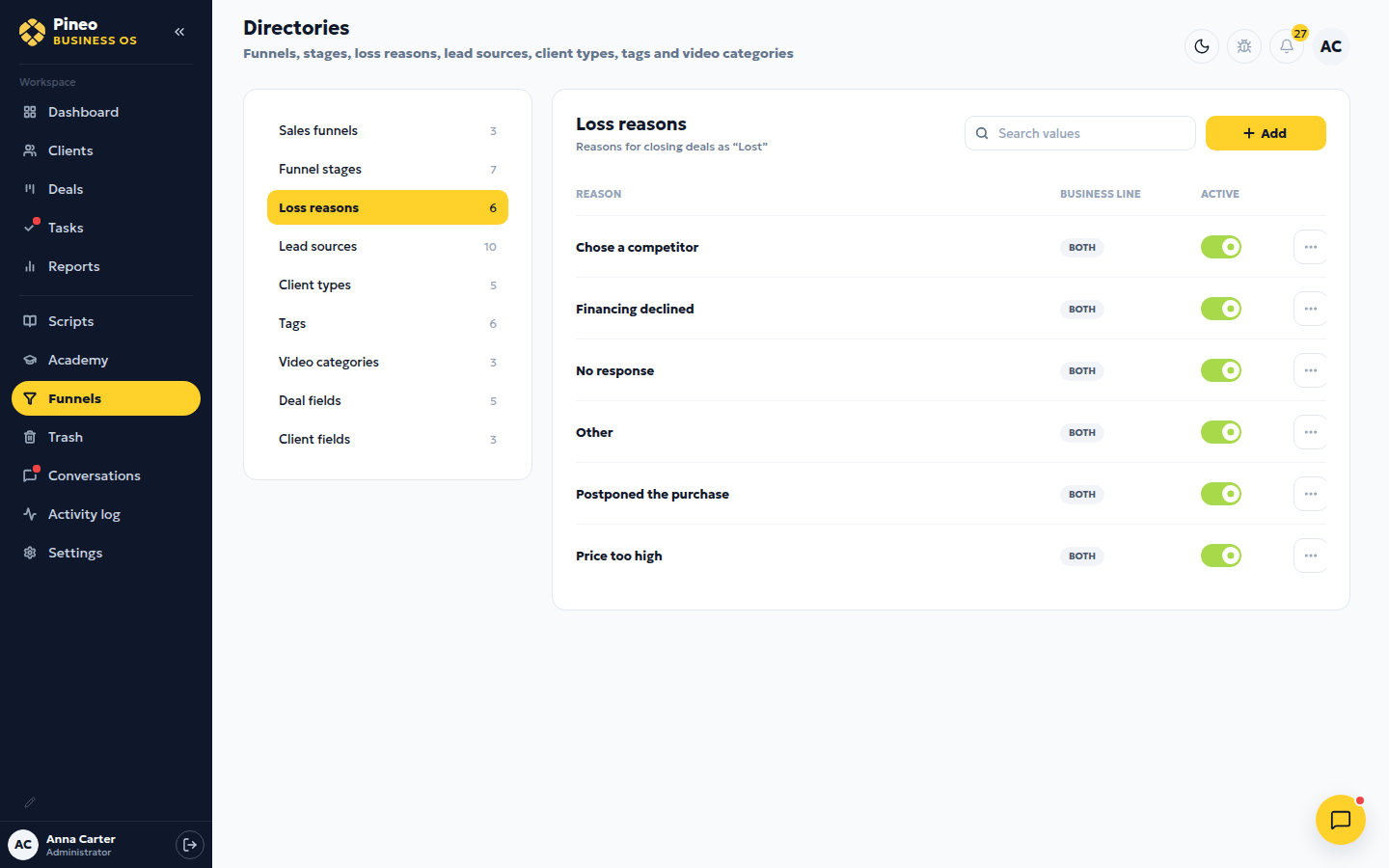
The list of reasons to choose from when a deal moves to a lost stage. A deal cannot be closed as lost without a reason. A reason has a name, a business line (B2B, real estate, both) and an “Active” flag. Deletion is irreversible: for deals that are already closed the reason is cleared and the reports are recalculated retroactively.
Lead sources#
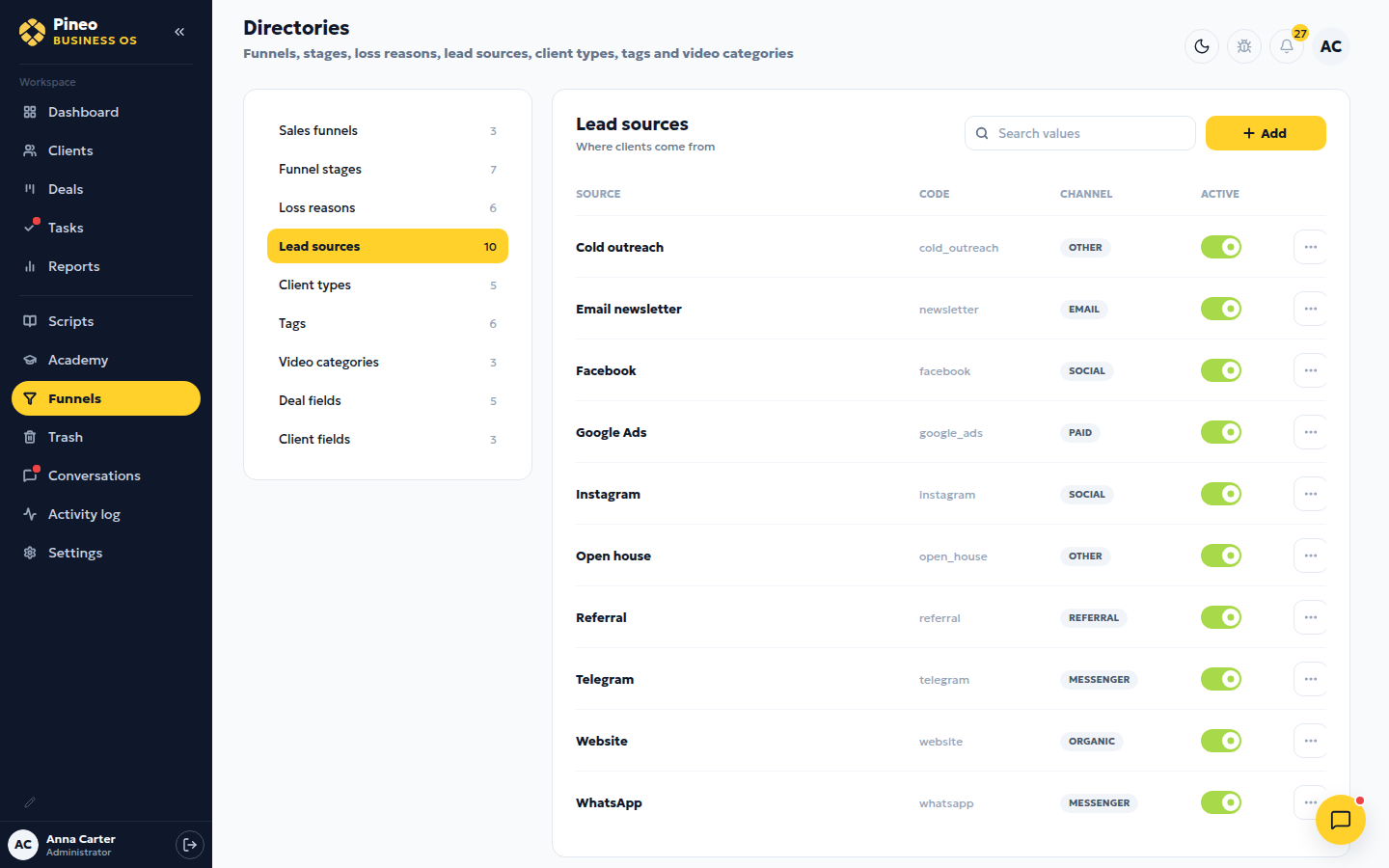
Where the client came from. The panel has Name, Code (optional — Pineo builds it from the name) and Channel — a category for reports: “Came on their own”, “Paid advertising”, “Referral”, “Social media”, “Messenger”, “Email”, “Other”.
- A row with the Connected channel badge (for example, WhatsApp) was created by the conversation channel itself: only its name and “Active” can be changed, and it cannot be deleted. It is the row used to set the source automatically on deals from messengers.
- A source that deals (including those in the trash), client cards or website forms already refer to cannot be deleted — switch “Active” off.
Client types#
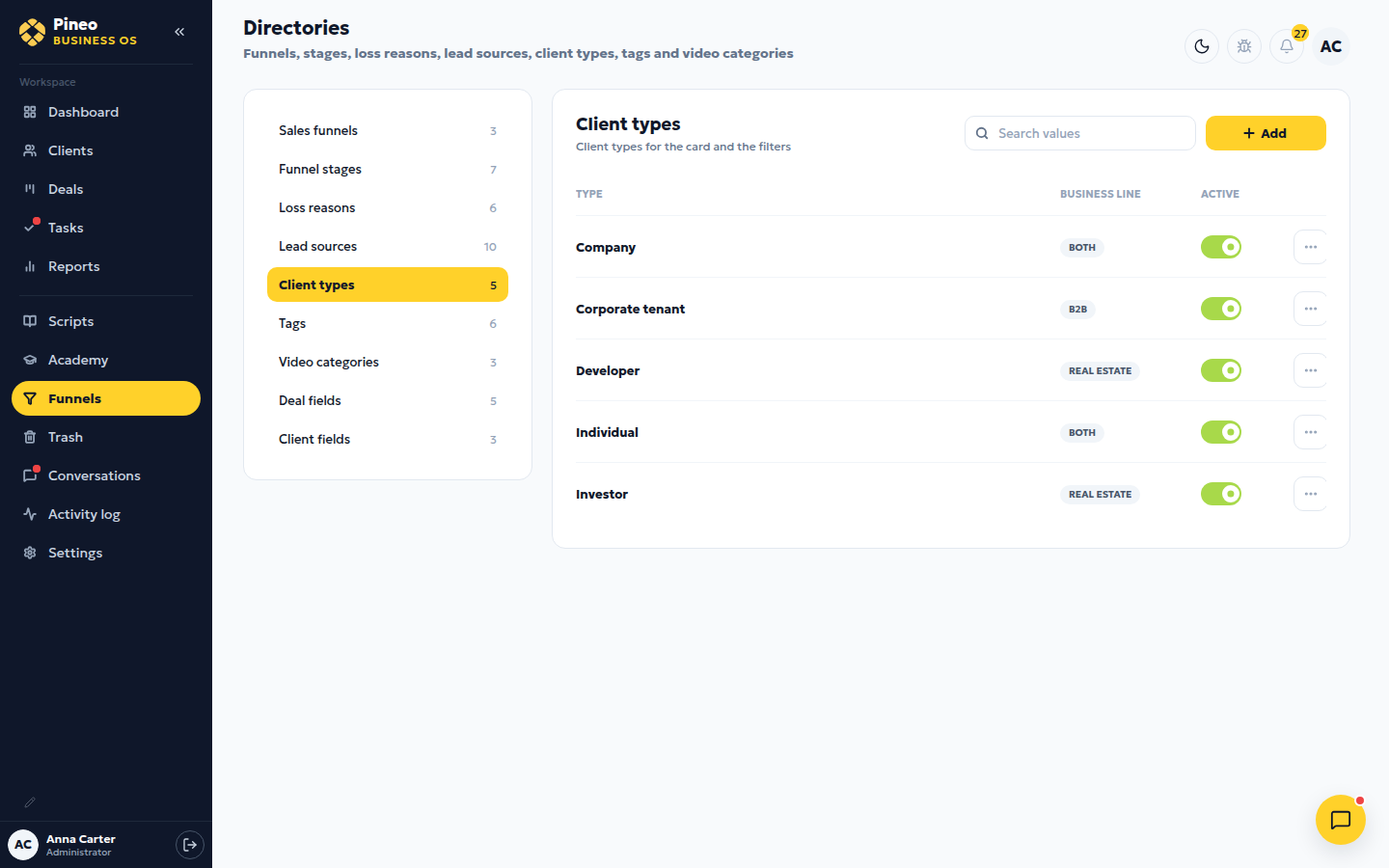
A type helps tell clients apart in the card and in the list filter: “Individual”, “Company”, “Investor”. Only the administrator creates and edits it; a supervisor sees and reads the directory. A switched-off type is not offered in new cards and stays on existing clients. A type that is set on at least one client (including the trash) cannot be deleted.
Tags#
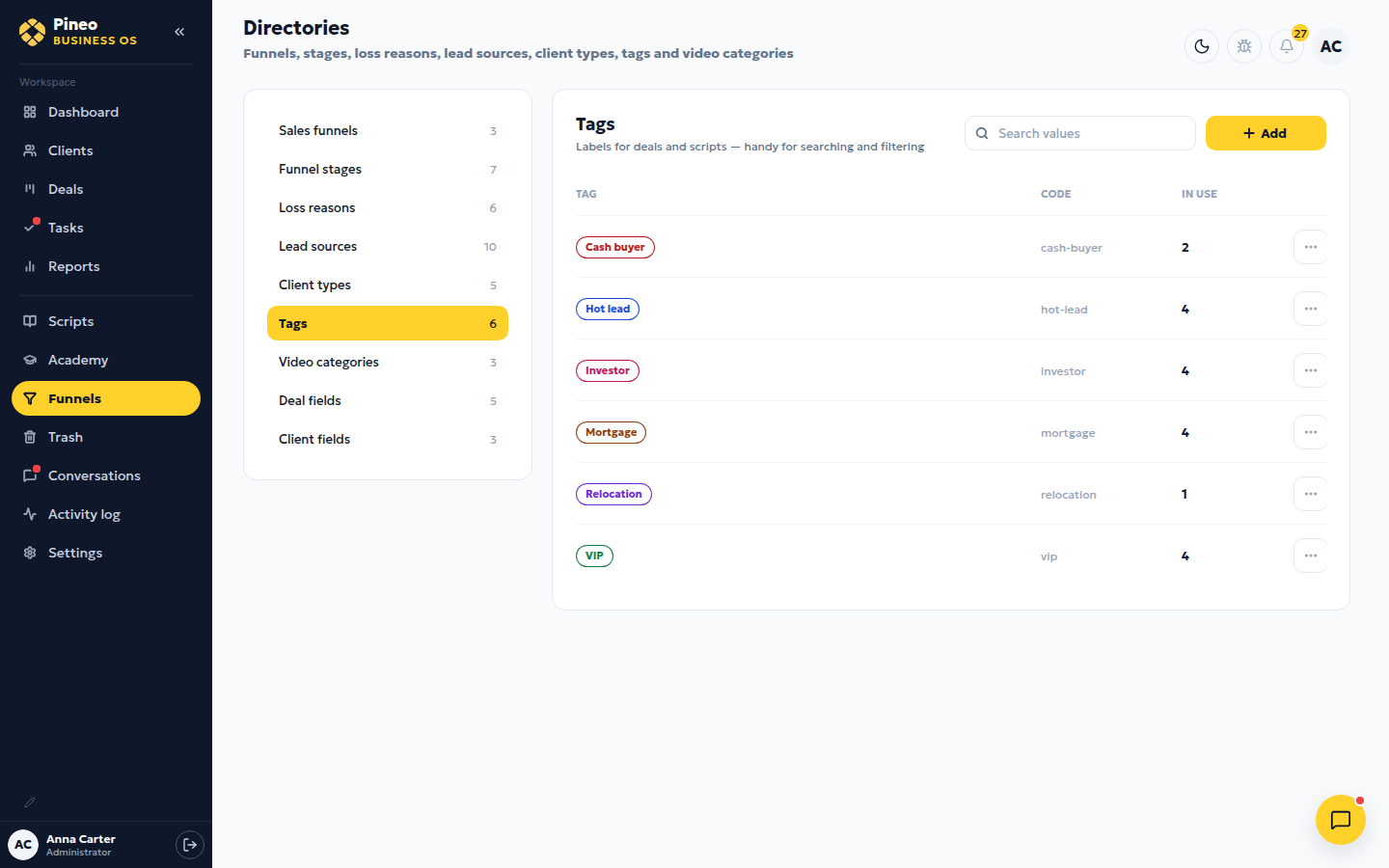
Coloured labels on deals and scripts: handy for searching and filtering. A tag is needed at the very moment a deal is being labelled, so any employee can create one (including right from the deal card). Renaming and recolouring needs the “Tags” capability (by default supervisors and the administrator). Deleting is for the administrator only: the tag is removed from all deals and scripts and cannot be brought back.
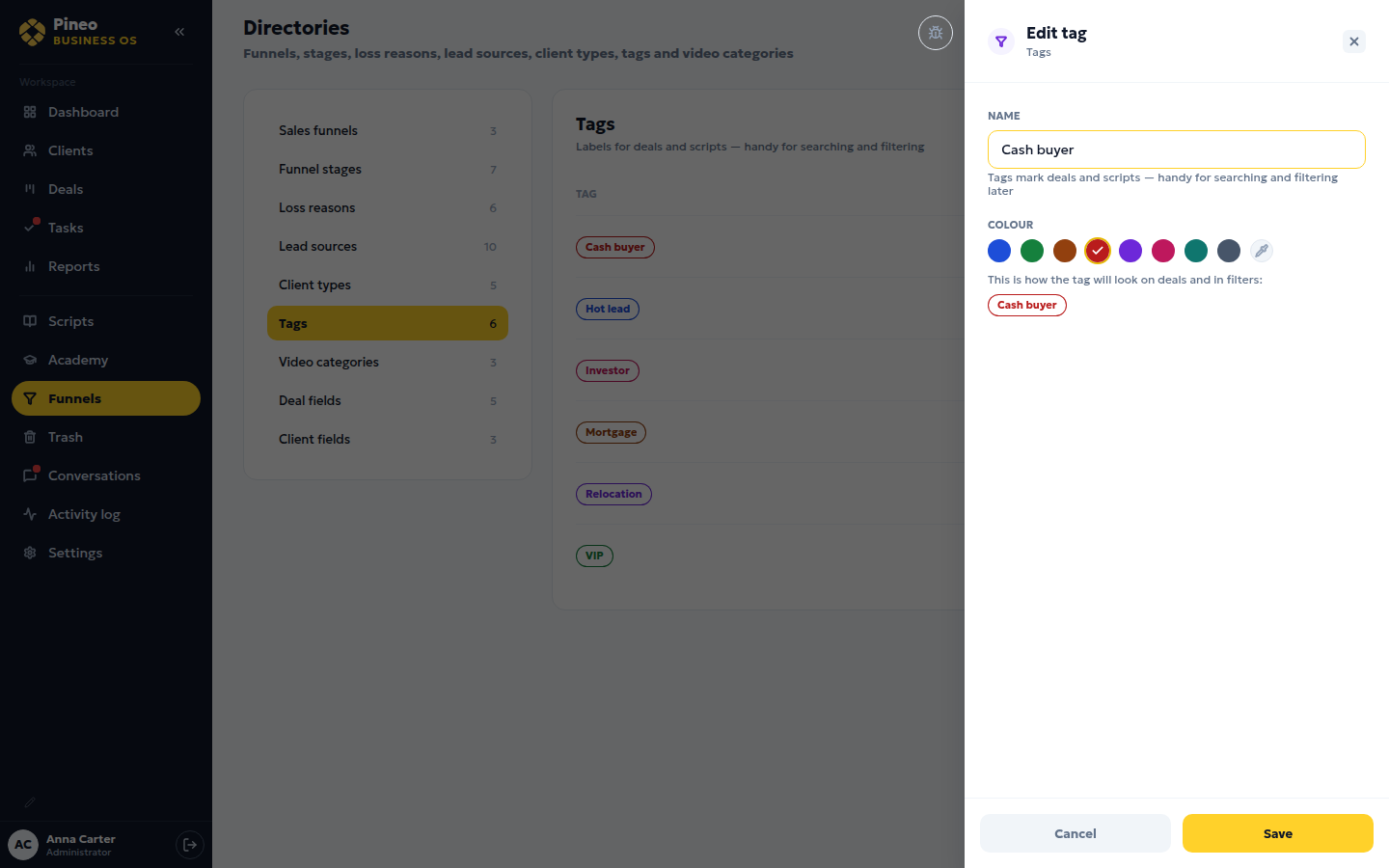
The colour is one of eight ready-made swatches or your own colour in the #RRGGBB format. If you do not choose a colour when creating, Pineo picks the next one in the palette so neighbouring tags do not blend. The “In use” column shows how many deals and scripts carry the tag.
Video categories#
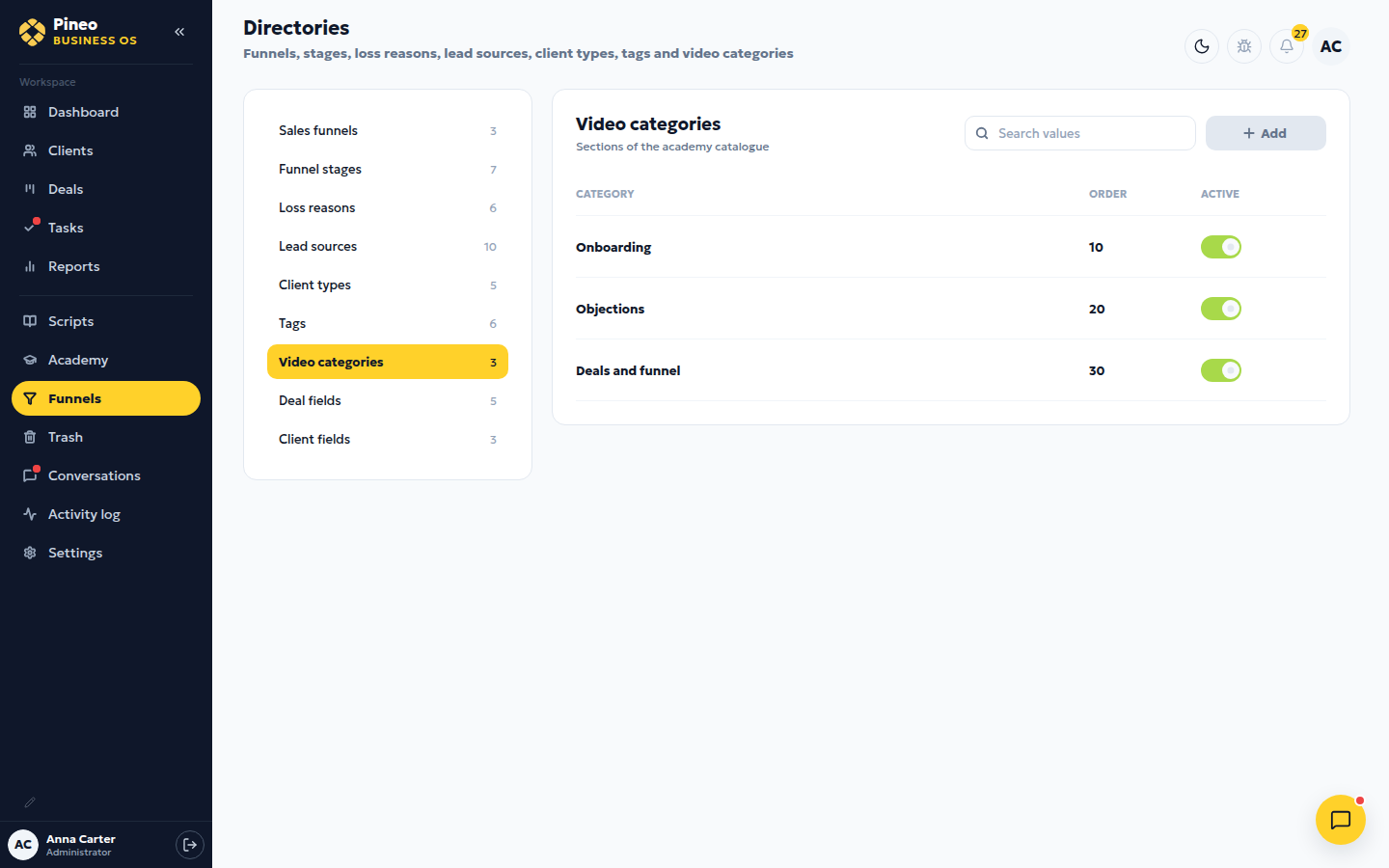
Sections of the Academy catalogue. This is a shared Pineo directory, the same in all organisations: the organisation administrator only views it, so the “Add” button is greyed out. Categories and videos are maintained by the Pineo team (Academy).
Add a value#
- Open a directory and press + Add.
- Fill in the panel and press Save.
- The value immediately appears in cards and filters.