
The sales scripts library
Ready-made conversation scenarios by stage, channel and situation; search, filters, the script card and who can edit.
Sales scripts is the organisation's library of conversation scenarios: what to say on a first call about an enquiry, how to remind a client about a proposal, how to answer a price objection.
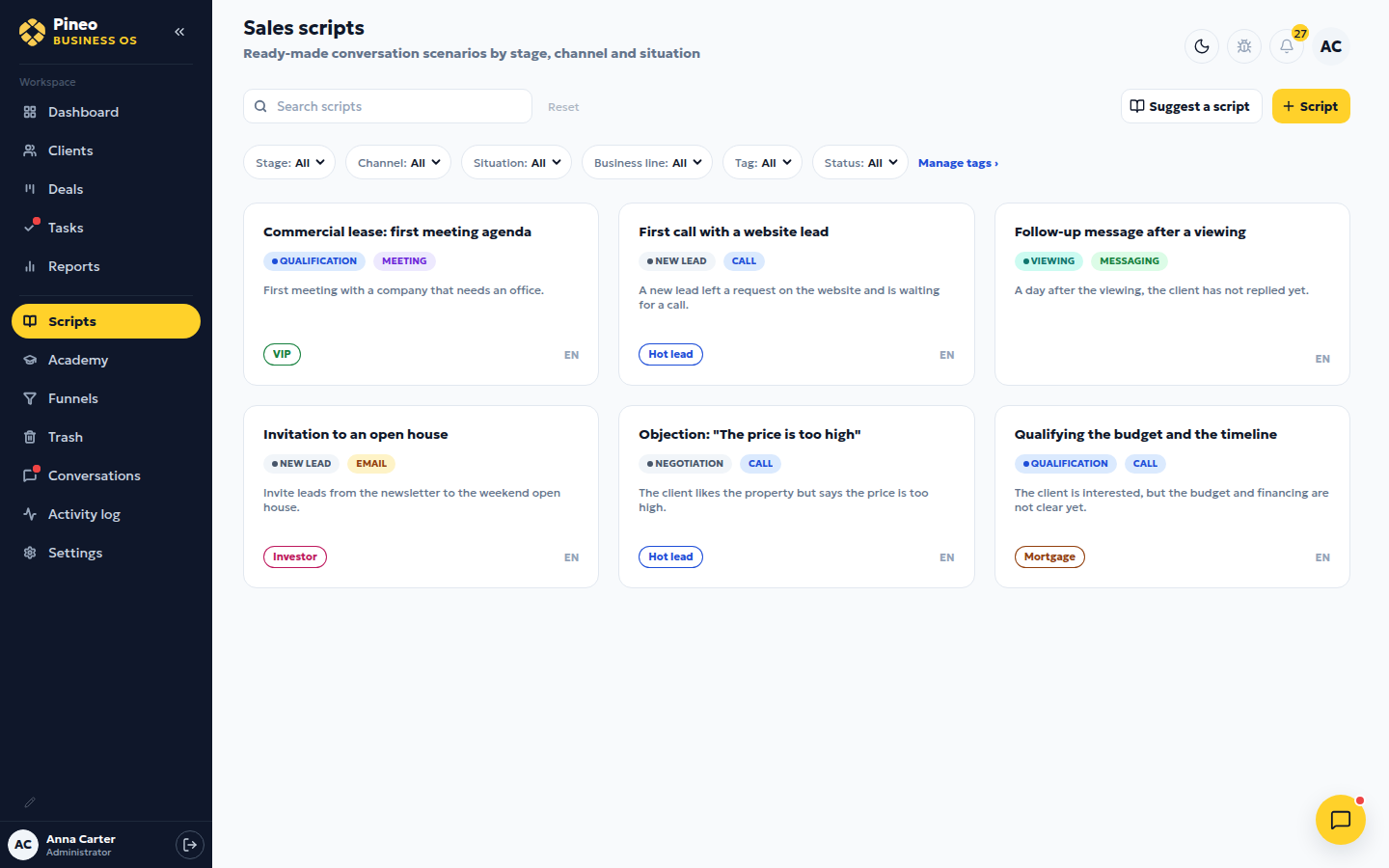
A script card in the list#
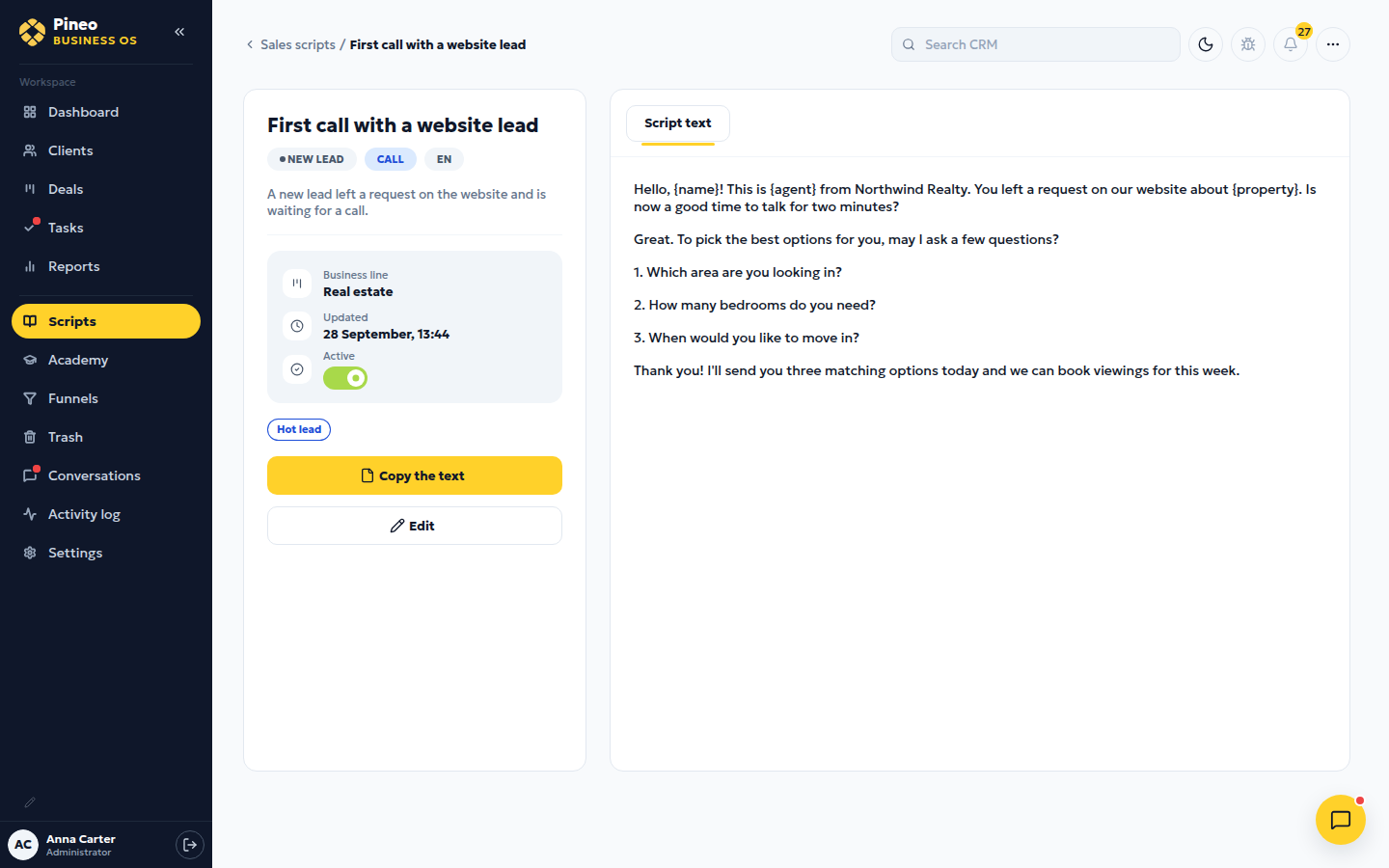
The title, labels for the funnel stage and the channel (call, email, meeting, conversation), one line about the situation, tags and the script's language (RU / EN). A switched-off script has an "Inactive" label. Click a card to open the script page: the "Script text" tab with the text itself and details (business line, author, update date, activity).
Search and filters#
The "Search scripts" box and the pills:
| Filter | Values |
|---|---|
| Stage | The funnel stage the script was written for. |
| Channel | Call, conversation, meeting, email. |
| Situation | For example, "price objection", "rescheduling a meeting". |
| Business line | The business line: real estate, B2B. |
| Tag | The organisation's shared tags (the same as for deals). |
| Status | Active or Inactive — only for those who manage scripts. |
The "Manage tags ›" link (also for managers only) leads to the tag directory; Reset clears the filters.
Who edits#
Employees whose role has the "Sales scripts" capability (the standard "Supervisor" and "Administrator" roles) can create, edit and delete scripts; everyone else reads and uses them. Inactive scripts are invisible to the rest. In the script's card menu and on its page: "Edit", "Copy the text", "Delete permanently" — deletion is final and does not go to the Trash. How to write a script — see How to create a script.
A script for a situation#
The "Suggest a script" button on the right above the list starts a suggestion from a description of the situation — see Script suggestion by situation. The same suggestion is built into conversations: the AI assistant's "Suggest a script" oval above the input field (Script suggestion in a conversation).