
Profile, security, appearance
Personal settings: name and time zone, changing the password and signing out of all devices, language, theme, accent colour, font and density.
Profile#
Settings → Profile.
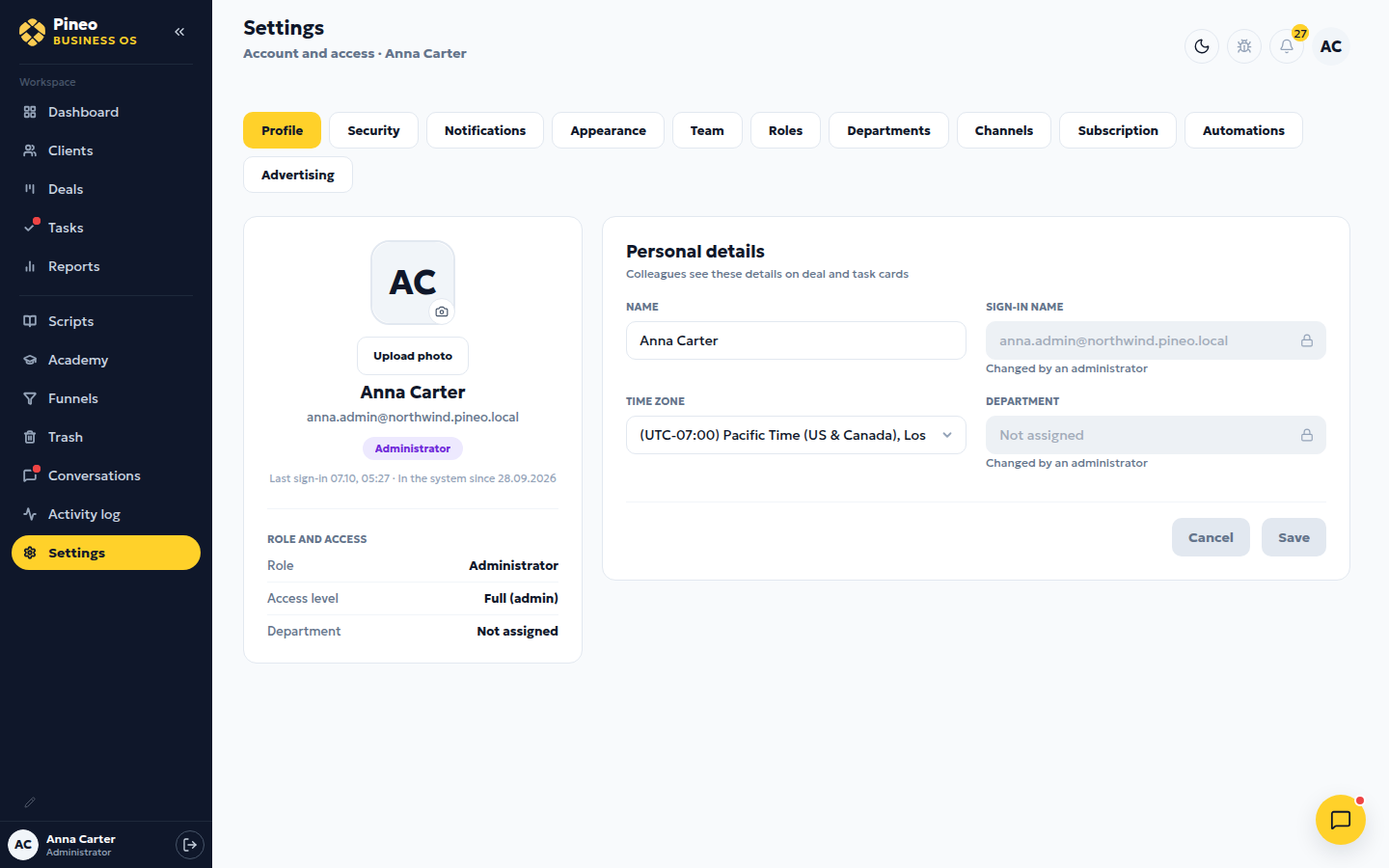
- You can change the Name, the Time zone and the photo (Upload photo). Press Save.
- The Sign-in name (work email) and the Department are shown read-only, marked “Changed by an administrator”. Notifications are sent to the email.
- The Role and access block shows your role and access level (full, extended, basic). The role and supervisor are changed by the administrator in the “Team” tab.
Security#
Settings → Security.
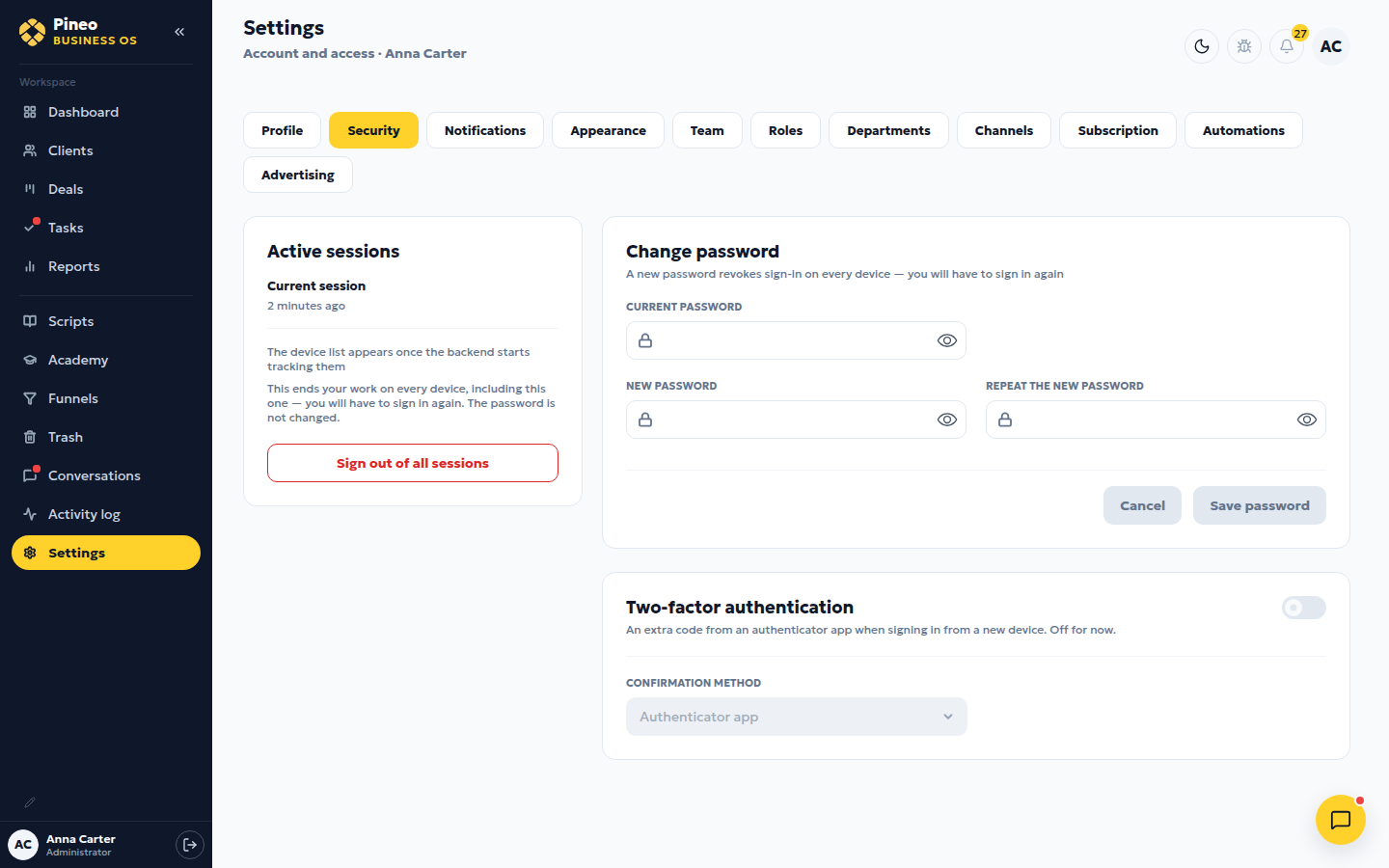
- Change password: enter the current password, then the new one and repeat it; the meter shows its strength. After the change all sessions end — you will need to sign in again on other devices.
- Sign out of all sessions — ends sign-in on all devices, including this one; the password does not change. A list of individual devices is not shown yet — only the current session is visible.
- Two-factor authentication — off; the switch is not available yet.
If you forgot your password, see Signing in, passwords and restoring access.
Appearance#
Settings → Appearance.
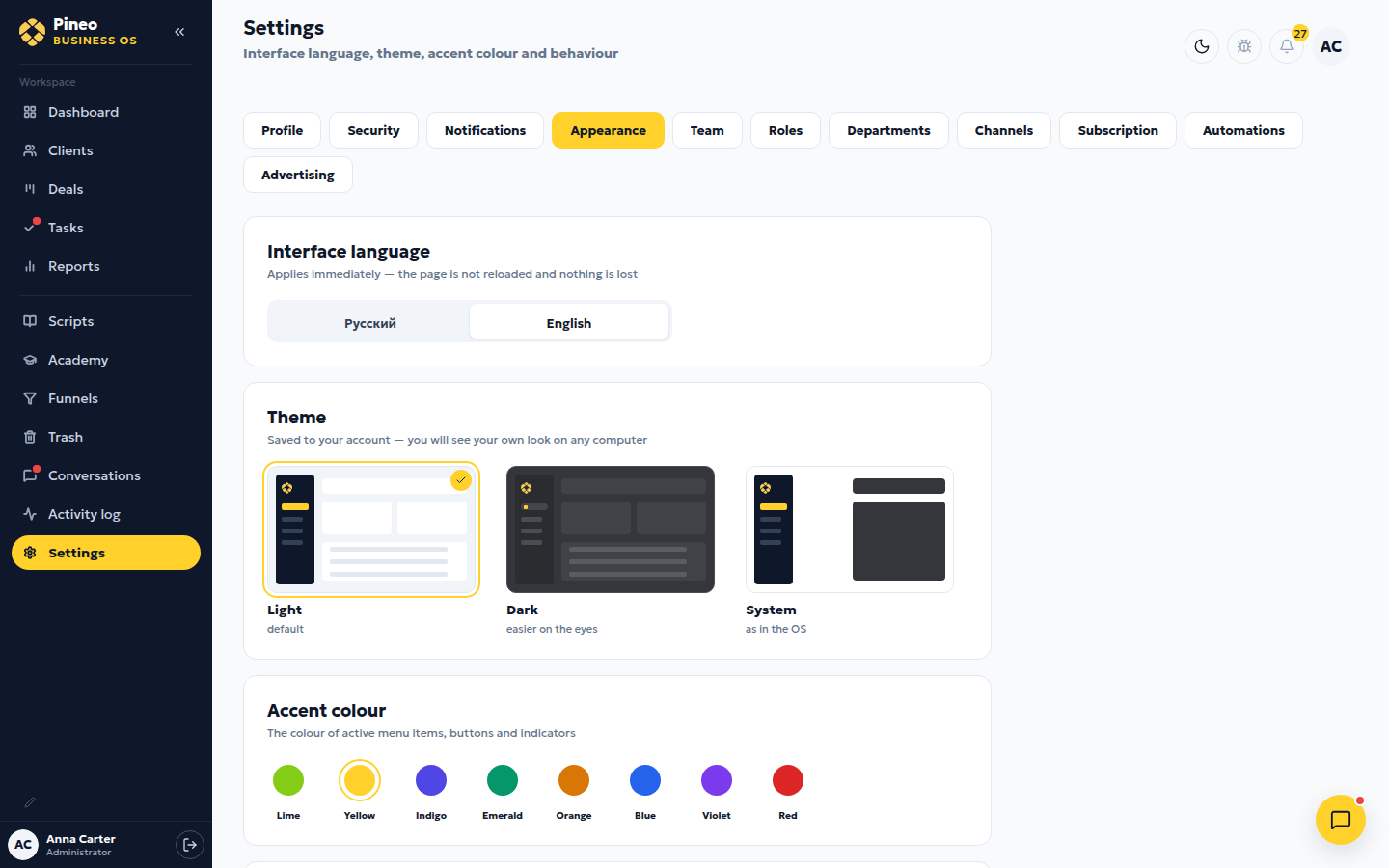
- Interface language — Русский or English. It applies immediately, without reloading; it is stored in the browser and saved to your account as the language of notifications and emails.
- Theme — light, dark or “System” (as in the OS).
- Accent colour — the colour of active menu items, buttons and indicators: Lime, Yellow, Indigo, Emerald, Orange, Blue, Violet, Red.
- Font — Geologica (default), Inter, Onest, Golos Text, Manrope and others; Choose font shows samples.
- Density and behaviour — list density (Compact, Normal, Roomy) and switches: show deal amounts in lists, interface animations, collapse the side menu at start.
- Restore defaults returns the theme and the accent.
The theme, accent, font, density and switches are saved in your account — on any computer you see your own look. The interface language is the exception: it is stored in the browser. More in Language and theme.
Was this article helpful?Thank you! If something is missing, write to us through support.