
Exporting a report to Excel and CSV
How to download a report table and what goes into the file.
- Open the report tab you need and set the period and the manager filter — the export takes them into account.
- Click Export on the right, above the tiles.
- Choose the format: Excel (.xlsx) or CSV.
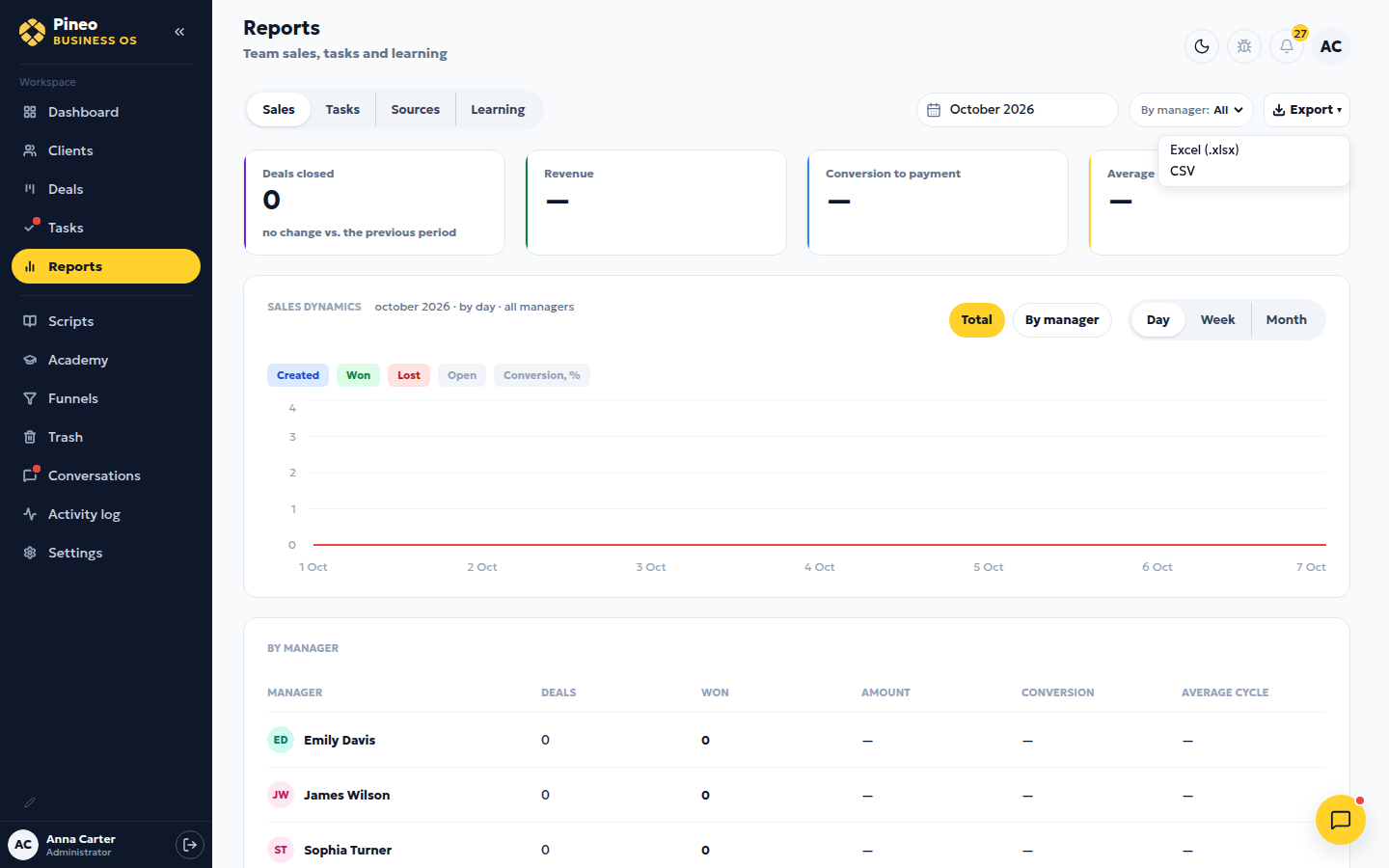
The file has one row per employee with the same metrics as the report table.
Note. You can export the Sales and Tasks tabs. Sources breaks down by ad tags, and in Learning progress belongs to a person and is not shown for others — so export is not available for these two.
Was this article helpful?Thank you! If something is missing, write to us through support.